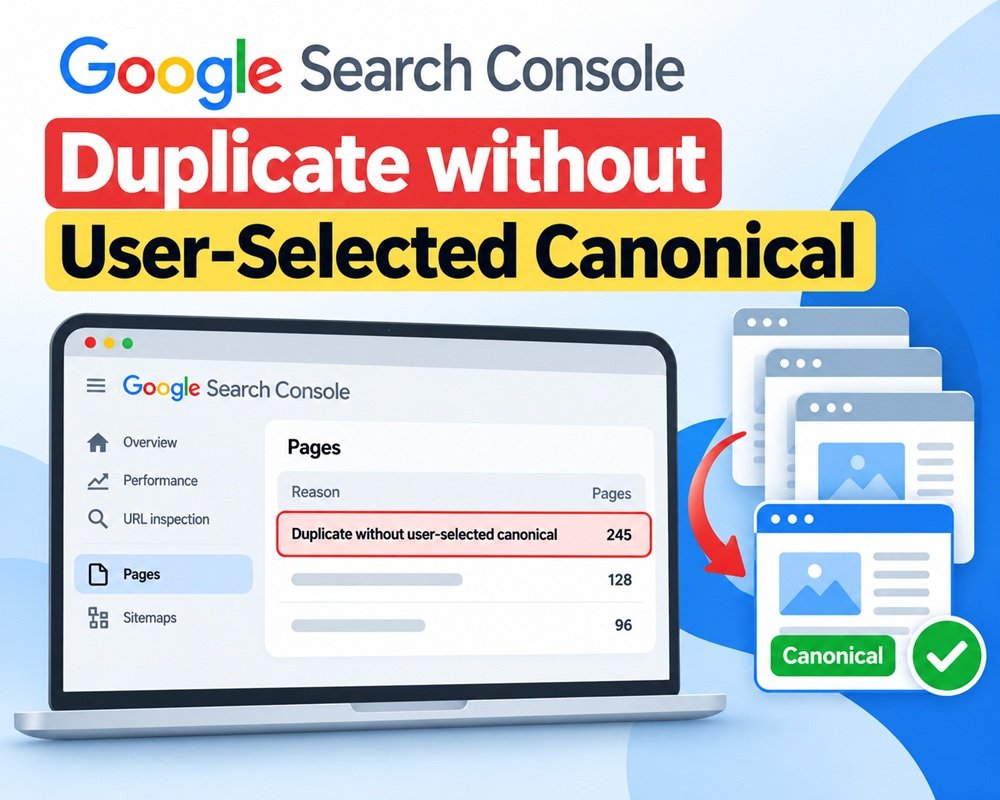



If you use Google Search Console regularly, you may have seen the status “Duplicate without user-selected canonical.”
It sounds serious, but it doesn’t necessarily mean your website has a major SEO problem. Usually, it means Google found multiple URLs with the same or very similar main content, but your website hasn’t clearly told Google which URL should be treated as the preferred version.
Google then chooses a canonical URL on its own.
What Does “Duplicate without User-Selected Canonical” Mean?
A canonical URL is the preferred version of a page when several URLs contain similar or duplicate content.
For example, suppose your website has:
example.com/seo-guideexample.com/seo-guide/example.com/seo-guide?utm_source=facebook
If these URLs deliver substantially the same page, Google may group them together and select one as the canonical URL.
If you haven’t specified your preferred canonical URL, Search Console can report the other URL as:
Duplicate without user-selected canonical
Google’s documentation explains that canonicalization is the process of selecting the representative URL from a group of duplicate or very similar pages.
Why Does This Happen?
There are several common reasons.
1. Similar URLs
Your website may generate different URLs for the same content because of:
- URL parameters
- Tracking parameters
- Sorting and filtering
- Trailing slashes
- HTTP and HTTPS versions
- WWW and non-WWW versions
2. Duplicate or Very Similar Pages
Two or more pages may have almost identical main content.
For example:
/best-seo-tools
and
/seo-tools-best
If the pages provide essentially the same information, Google may consider them duplicates.
3. E-commerce Filters
E-commerce websites commonly generate URLs such as:
/shoes
/shoes?color=black
/shoes?size=10
If these URLs don’t provide substantially different content, Google may group them together.
4. HTTP vs HTTPS
If both versions of your website are accessible, Google can discover duplicate versions:
http://example.com/page
and
Your site should normally use HTTPS as the preferred version and redirect HTTP to HTTPS.
5. Incorrect Internal Linking
If some internal links point to one URL while others point to another version of the same page, you’re sending mixed signals to search engines.
Is It a Serious SEO Error?
Not always.
Duplicate content itself is not automatically a spam problem. Google normally groups duplicate pages and selects a canonical version.
The real issue is whether Google is selecting the right URL.
For example, if your important blog page is:
example.com/seo-guide
but Google chooses another URL as canonical, you should investigate why.
How to Fix “Duplicate without User-Selected Canonical”
Step 1: Check the URL in Google Search Console
Go to:
Google Search Console → URL Inspection
Enter the affected URL.
Look for:
Google-selected canonical
and
User-declared canonical
If there is no user-declared canonical, that’s the first thing to investigate.
Google specifically recommends using URL Inspection to determine which URL Google considers canonical.
Step 2: Decide Which URL Should Be Canonical
Choose the URL you actually want Google to index and show in search results.
For example:
Then use that URL consistently across your website.
Step 3: Add a Self-Referencing Canonical
On the preferred page, add:
<link rel="canonical" href="https://example.com/seo-guide/" />This tells Google:
“This is the preferred URL for this page.”
Remember, canonical is a signal, not a guarantee. Google can still select another canonical URL if other signals suggest that another page is more appropriate.
Step 4: Use 301 Redirects Where Appropriate
If two URLs are genuinely duplicates and you don’t need both URLs, a 301 redirect is often cleaner.
For example:
/old-seo-guide → /seo-guide/
This removes the unnecessary URL and sends users and search engines to the preferred page.
Don’t redirect URLs simply because Search Console lists them as duplicates. First determine whether the URLs actually need to exist separately.
Step 5: Fix Internal Links
Make sure your internal links consistently use the preferred canonical URL.
For example, don’t link to:
http://example.com/seo-guide
in one place and:
somewhere else.
Use one preferred URL format throughout your site.
Step 6: Check Your XML Sitemap
Your XML sitemap should generally contain the URLs you want Google to consider canonical.
If a duplicate URL is unnecessarily included in your sitemap, remove it and keep the preferred URL.
Google considers sitemap inclusion as one of the signals used for canonicalization.
Step 7: Check WordPress Canonical Settings
If your website runs on WordPress, SEO plugins such as Yoast SEO or Rank Math usually generate canonical tags automatically.
Check the affected page and make sure the canonical URL is correct.
Also check whether another plugin, theme, or custom code is generating a conflicting canonical tag.
What You Should NOT Do
Don’t add noindex to every URL reported as a duplicate.
A duplicate URL may be perfectly normal, especially when it comes from parameters, filters, or other website functionality.
Don’t blindly change canonical tags either.
First determine:
Which URL should actually be indexed?
Then align your canonical tag, redirects, internal links and sitemap with that decision.
Quick Checklist
If you see Duplicate without user-selected canonical, check:
- Is the page genuinely a duplicate?
- Which URL does Google select as canonical?
- Have you specified a preferred canonical?
- Is the canonical tag correct?
- Are internal links using the preferred URL?
- Is the preferred URL in the XML sitemap?
- Are duplicate URLs unnecessarily indexed?
- Are HTTP/HTTPS and WWW/non-WWW versions properly handled?
- Are URL parameters creating unnecessary duplicates?
- Are WordPress plugins generating conflicting canonical tags?
Final Thoughts
“Duplicate without user-selected canonical” doesn’t mean your website is broken.
It means Google has found similar URLs and your site hasn’t clearly indicated which version it prefers.
The best approach is not to fix every reported URL blindly. First identify the duplicate group, choose the URL that should represent that content, and then make your canonical tags, redirects, internal links and sitemap consistent with that choice.
Once you’ve corrected the signals, Google needs to recrawl the URLs before Search Console reflects the changes. Canonical selection can also change over time because Google considers multiple signals rather than relying on the canonical tag alone.



Leave a Reply