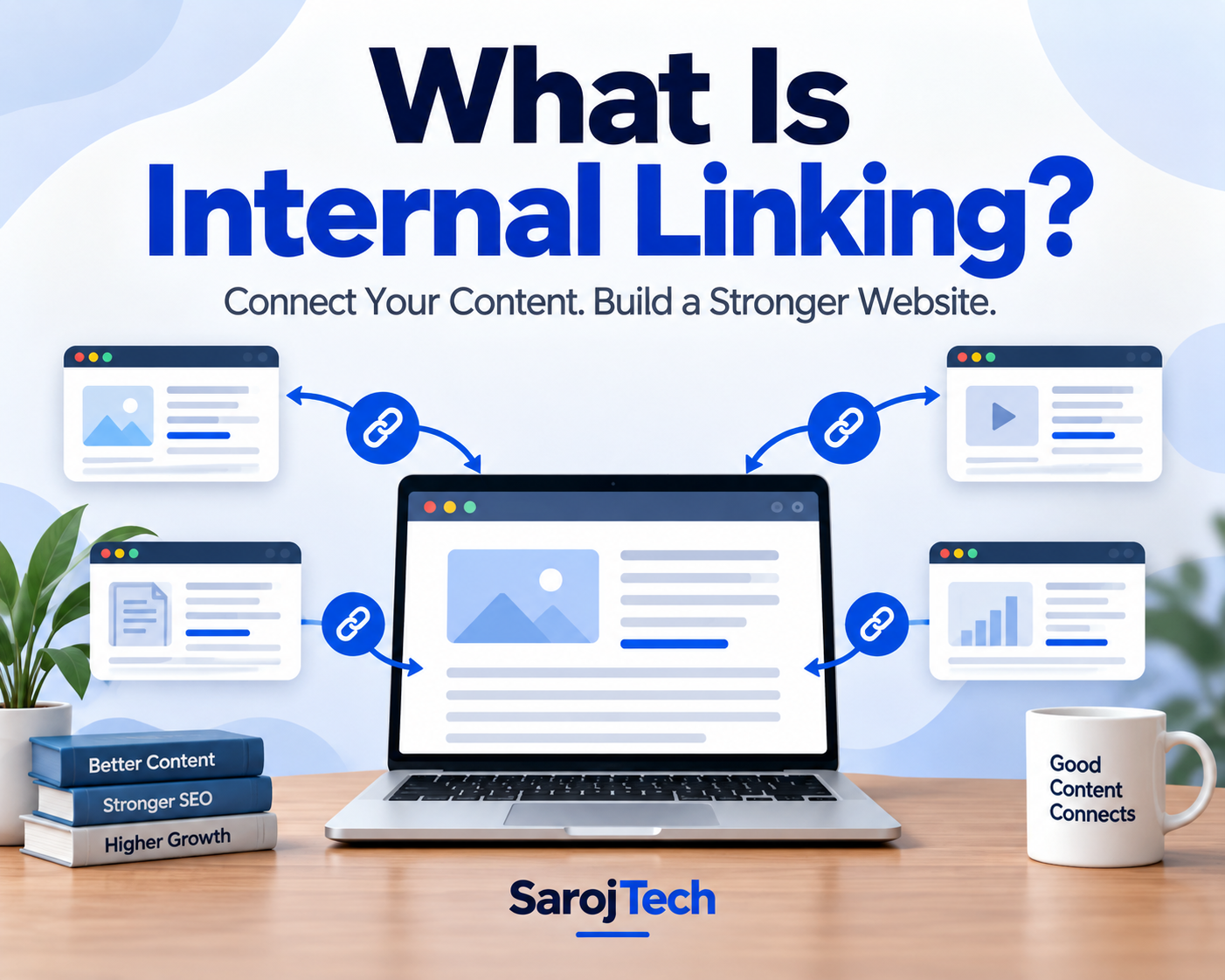



Internal linking is one of those SEO techniques that is simple to understand but surprisingly easy to overlook.
You may spend hours researching keywords, writing content, optimizing titles, improving page speed, and building backlinks. But if the pages on your website are not properly connected, both visitors and search engines can have trouble finding your most useful content.
That is where internal linking comes in.
Internal links help visitors move from one page to another within the same website. They also help search engines discover content, understand the relationship between pages, and identify which pages are important.
In this guide, we will look at what internal linking means, why it matters for SEO, how to create an effective internal linking strategy, common mistakes to avoid, and some practical examples.
What Is Internal Linking?
An internal link is a hyperlink that points from one page on your website to another page on the same website.
For example, imagine you have an SEO website with these articles:
You could mention keyword research while writing about SEO and link the words keyword research to your detailed keyword research article.
That is an internal link.
In simple terms:
Internal linking = connecting related pages within your own website.
Internal links can appear in blog articles, navigation menus, breadcrumbs, category pages, product pages, sidebars, and footers. However, contextual links placed naturally within useful content are particularly valuable because they connect related topics in a meaningful way.
Internal Links vs. External Links
It is easy to confuse internal links with external links, but the difference is straightforward.
Internal link
A link from one page on your website to another page on the same website.
Example:
yourwebsite.com/seo-guide → yourwebsite.com/technical-seo
External link
A link from your website to a different website.
Example:
yourwebsite.com/seo-guide → developers.google.com
Internal links primarily help organize and connect your own website. External links are generally used to reference other websites, sources, tools, research, or additional information.
Both can be useful, but they serve different purposes.
Why Is Internal Linking Important for SEO?
Internal linking is not simply about adding more links to your pages. A well-planned internal linking structure helps search engines understand how your website is organized.
Google says links are used to discover pages and understand the relevance of pages. It also recommends making internal links crawlable and using descriptive anchor text.
Here are some of the main benefits.
1. Helps Search Engines Discover New Pages
Search engines discover many pages by following links.
Suppose you publish a new article but never link to it from any other page on your website. The page may still be discovered through other methods, such as a sitemap or external links, but there is no clear internal path leading to it.
Adding relevant internal links gives search engine crawlers another way to find that content.
Google specifically recommends making sure important pages are linked from other relevant pages.
2. Helps Google Understand Your Website Structure
Think about your website as a map.
Your homepage may connect to your main categories. Those categories connect to individual articles, services, or products.
For an SEO website, the structure might look something like this:
SEO
- Keyword Research
- On-Page SEO
- Technical SEO
- Off-Page SEO
- Local SEO
- Link Building
When these pages are connected logically, search engines get additional context about how the topics relate to one another.
This is particularly useful for websites with a lot of educational content.
3. Helps Distribute Link Equity
Internal links can also help distribute PageRank or link equity throughout your website.
For example, imagine one of your blog posts has earned several quality backlinks from other websites. That page may have more authority than some of your newer articles.
You can create relevant internal links from that established page to newer or strategically important content.
This doesn’t guarantee higher rankings, but it can help distribute the value and importance signals across your site.
4. Makes Navigation Easier for Visitors
SEO isn’t only about search engines.
A visitor reading an article about on-page SEO may suddenly want to learn about technical SEO.
Instead of making that person return to Google and search again, you can provide a relevant internal link directly within your article.
For example:
On-page optimization is only one part of SEO. If you want to improve your website’s crawlability and technical foundation, read our guide to Technical SEO.
That link creates a natural next step.
Good internal linking should feel helpful rather than forced.
5. Helps Build Topic Clusters
Internal links are particularly useful when you’re building topic clusters.
A topic cluster normally includes:
- One comprehensive pillar page
- Several related supporting articles
- Internal links connecting the pages
For example, your main article could be:
SEO Guide for Beginners
Supporting articles might include:
- What Is Keyword Research?
- What Is On-Page SEO?
- What Is Technical SEO?
- What Is Link Building?
- What Is Local SEO?
The main guide can link to these supporting articles, while the supporting articles can link back to the main guide when relevant.
This creates a connected content ecosystem rather than a collection of unrelated blog posts.
Recent SEO guidance continues to emphasize hub-and-spoke or topic-cluster structures for organizing related content.
What Is Anchor Text?
Anchor text is the clickable text used for a hyperlink.
For example:
Learn more about technical SEO.
Here, technical SEO is the anchor text.
Good anchor text should tell the reader what they can expect after clicking the link.
Weak anchor text
- Click here
- Read more
- Learn more
- This article
Better anchor text
- Technical SEO guide
- Keyword research techniques
- Local SEO checklist
- Google Search Console guide
Google recommends using descriptive and concise anchor text and avoiding keyword stuffing.
The goal isn’t to put your target keyword into every link. The goal is to make the link understandable and natural.
How Many Internal Links Should You Add to a Page?
There is no universal number of internal links that every article should have.
Google does not provide a fixed number that you must follow. Its guidance essentially comes down to making links useful and avoiding excessive linking.
Instead of asking:
“How many internal links should I add?”
Ask:
“Which other pages would genuinely help someone reading this article?”
For a normal blog post, you might naturally find several relevant opportunities. A longer guide may need more.
Quality and relevance matter more than hitting an arbitrary number.
Where Should You Add Internal Links?
Internal links can appear in several parts of a website.
1. Within the Main Content
Contextual links inside the article are often the most useful because they connect related information at the exact point where the reader needs it.
2. Navigation Menu
Your main navigation should provide access to important sections of your website.
For example:
Home | SEO | AI Tools | Digital Marketing | About | Contact
3. Breadcrumbs
Breadcrumbs help visitors understand where they are within your website.
Example:
Home → SEO → Technical SEO → Internal Linking
They can also provide additional internal links for search engines to understand the site’s hierarchy.
4. Related Articles
A “Related Articles” section at the end of a blog post can encourage visitors to continue exploring relevant content.
5. Footer
Footer links can be useful for important pages such as:
- About
- Contact
- Privacy Policy
- Terms
- Important categories
However, the footer shouldn’t become a dumping ground for dozens of SEO links.
How to Create an Effective Internal Linking Strategy
You don’t need a complicated system to improve internal linking.
Here is a practical approach.
Step 1: Identify Your Important Pages
First, decide which pages matter most to your website.
These could include:
- Service pages
- Product pages
- Main category pages
- High-converting landing pages
- Important guides
- Pillar content
These pages should receive relevant internal links from other parts of your website.
Step 2: Create Related Content Groups
Organize your articles into logical topics.
For example:
SEO
- SEO for Beginners
- Keyword Research
- On-Page SEO
- Technical SEO
- Link Building
- Local SEO
AI
- AI Tools
- AI Writing Tools
- AI Video Tools
- AI Image Generators
- AI SEO Tools
Now you have clear groups of related content.
Step 3: Link Related Pages Naturally
When writing an article, look for places where another page can provide additional information.
For example:
Before publishing a new article, make sure your keyword research is aligned with what your audience is actually searching for.
If you already have a detailed keyword research guide, “keyword research” can become an internal link.
The link should make sense even if the reader ignores the SEO purpose behind it.
Step 4: Link Older Articles to New Content
This is one of the easiest internal linking opportunities.
Whenever you publish a new article, search through older relevant articles and look for places where the new article can be referenced naturally.
For example, if you publish:
“SEO Trends for 2026”
you could revisit older articles about SEO, technical SEO, content marketing, and keyword research and add links where appropriate.
This helps connect older content with newer resources.
Step 5: Link New Articles Back to Important Pages
Don’t only think about linking from old articles to new ones.
Your new article should also link to relevant existing content.
This creates a two-way content relationship where appropriate.
For example:
SEO for Beginners
↕
Keyword Research
↕
On-Page SEO
↕
Technical SEO
Not every page needs to link to every other page. The connections should be based on relevance.
A Simple Internal Linking Example
Let’s say you run a digital marketing blog.
You publish an article titled:
What Is SEO?
Inside that article, you could naturally link to:
- SEO for Beginners
- Keyword Research Guide
- On-Page SEO
- Technical SEO
- Link Building Guide
Then your Technical SEO article could link back to the main SEO guide and also connect to relevant articles about site speed, XML sitemaps, crawling, indexing, and structured data.
Over time, these links create a connected network of content.
That network is much more useful than having 100 isolated articles.
Common Internal Linking Mistakes
Internal linking can help SEO, but poor implementation can create problems.
1. Using “Click Here” Everywhere
“Click here” doesn’t tell users or search engines what the destination page is about.
Use descriptive anchor text instead.
2. Adding Links That Are Not Relevant
Don’t add an internal link just because you want to increase the number of links on a page.
If the linked page doesn’t provide useful additional information, the link probably doesn’t belong there.
3. Using the Same Anchor Text Excessively
Using exactly the same keyword-rich anchor text for every internal link can make your content feel unnatural.
Use descriptive language that fits the sentence.
Google specifically advises against forcing keywords into anchor text.
4. Creating Too Many Links
More links don’t automatically mean better SEO.
A page filled with links can become difficult to read and can reduce the usefulness of each individual link.
Focus on relevant connections.
5. Ignoring Orphan Pages
An orphan page is a page that has no internal links pointing to it.
These pages can be difficult for both users and crawlers to reach through the site’s normal structure.
Google recommends ensuring that important pages are linked from other relevant pages.
6. Forgetting About Broken Internal Links
A link that points to a deleted or incorrect URL creates a poor experience.
Regularly check your website for:
- 404 pages
- Redirect chains
- Incorrect URLs
- Links pointing to outdated pages
Fixing these issues keeps your internal link structure healthy.
Internal Linking for E-Commerce Websites
Internal linking isn’t just for blogs.
E-commerce websites can benefit significantly from a well-planned structure.
For example:
Homepage
→ Furniture
→ Living Room
→ Sofas
→ Leather Sofas
→ Individual Product
A product page can also link to related products, relevant categories, buying guides, and complementary products.
This gives shoppers more ways to discover products while helping search engines understand the relationships between categories and pages.
Internal Linking for WordPress Websites
If you’re using WordPress, internal linking can be managed manually or with SEO tools that identify potential linking opportunities.
A simple workflow is:
- Publish your article.
- Search your website for related content.
- Identify natural linking opportunities.
- Add descriptive anchor text.
- Check that the destination URL works.
- Review the links after publishing.
You can also use Google’s site: search operator to find existing pages that mention a particular topic. Recent SEO guidance recommends this as a practical way to discover internal linking opportunities.
For example:
site:yourwebsite.com "technical SEO"
This can reveal existing pages where a Technical SEO article might fit naturally.
How to Audit Internal Links
An internal linking audit doesn’t have to be complicated.
Start by checking:
Crawlability
Can search engines discover important pages through normal HTML links?
Orphan pages
Are important pages missing internal links?
Anchor text
Does the anchor text clearly describe the destination?
Relevance
Does each link genuinely help the reader?
Broken links
Are any internal links returning errors?
Click depth
Are important pages buried several levels deep in the site?
Important pages
Are your priority pages receiving enough relevant internal links?
Google recommends using crawlable <a href> links and descriptive anchor text.
Internal Linking and AI Search
Internal linking is becoming relevant beyond traditional search engines.
Modern search and AI systems need to understand relationships between pages and topics. A clearly organized website makes it easier for automated systems to understand how different pieces of content fit together.
That doesn’t mean adding internal links will automatically make a website appear in AI-generated answers.
Instead, think of internal linking as part of a broader information architecture strategy: clear pages, useful content, logical relationships, and descriptive links.
Recent SEO research and guidance also discusses internal links in the context of AI crawlers and search experiences.
Internal Linking Checklist
Before publishing an article, run through this quick checklist:
- Does the article link to relevant pages?
- Does it link to important pillar content?
- Is the anchor text descriptive?
- Are the links useful to readers?
- Have you avoided unnecessary links?
- Are there any broken internal URLs?
- Does the new article have links pointing to it?
- Is the page easy to reach from the rest of the website?
- Are related articles connected into a logical topic cluster?
- Are important pages receiving relevant internal links?
Final Thoughts
Internal linking isn’t a complicated SEO trick. At its core, it’s about connecting useful information in a logical way.
A good internal linking strategy helps visitors discover more relevant content, gives search engines clearer signals about your website structure, supports content discovery, and can distribute internal authority across important pages.
The biggest mistake is treating internal links as something you add at the end just to “tick an SEO box.”
Instead, think about your website as a network.
Every useful page should have a purpose, and related pages should help readers move naturally from one topic to another.
If you are already publishing content regularly, start with your existing articles. Find your most important pages, identify related content, and gradually build meaningful connections between them.
You may be surprised by how much stronger a well-connected website can become without publishing a single additional article.


Leave a Reply