Google Search Console
-
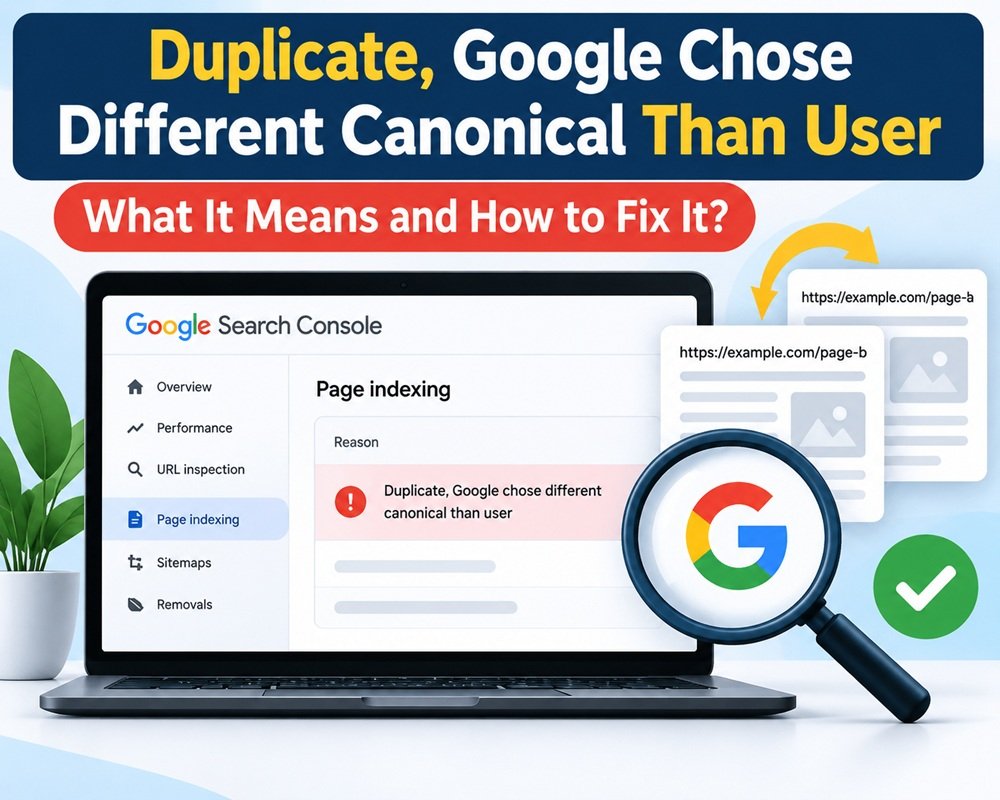
Duplicate, Google Chose Different Canonical Than User – What It Means and How to Fix It
If you use Google Search Console to monitor your website, you may come across this message: “Duplicate, Google chose different canonical than user” It appears under the Page indexing report…
-
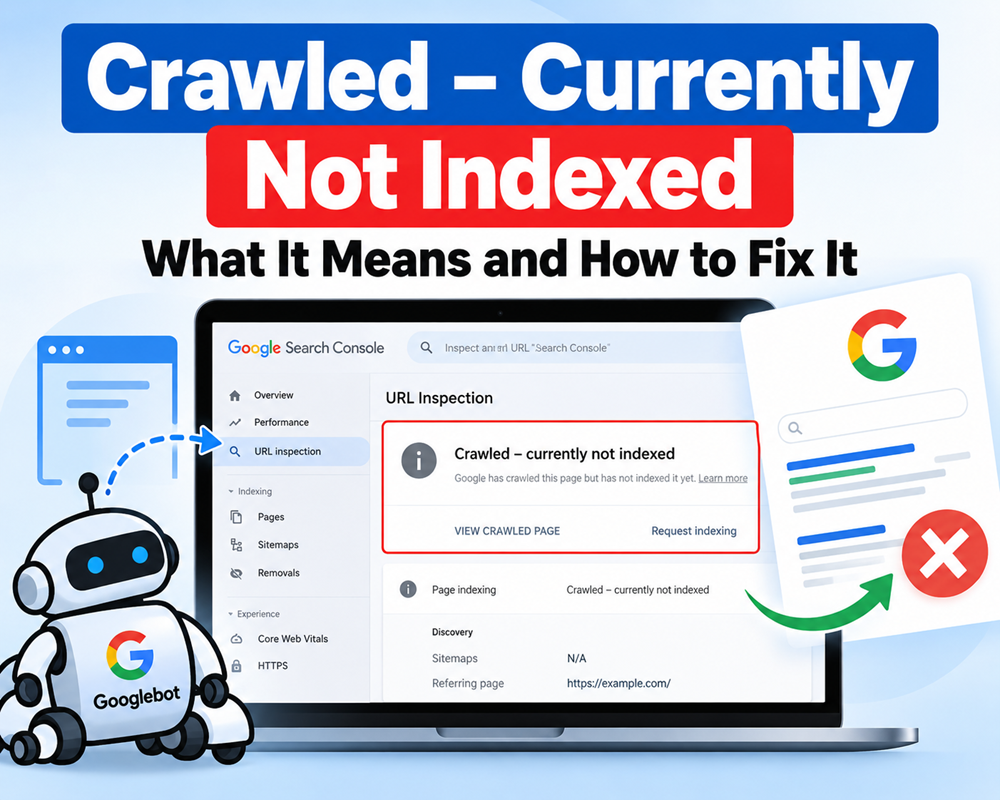
Crawled – Currently Not Indexed: What It Means and How to Fix It
If you use Google Search Console regularly, you may have seen the status “Crawled – currently not indexed.” It can be confusing because Google has already visited the page, but…
-
Alternative Page with Proper Canonical Tag: What It Means and How to Fix It
If you are checking the Page Indexing report in Google Search Console and see “Alternative page with proper canonical tag,” it can look like an SEO error. In most cases,…
-
Server Error (5xx) in Google Search Console: What It Means and How to Fix It
If you see “Server error (5xx)” in Google Search Console, it means Google tried to access one or more pages on your website, but your server failed to provide the…
-
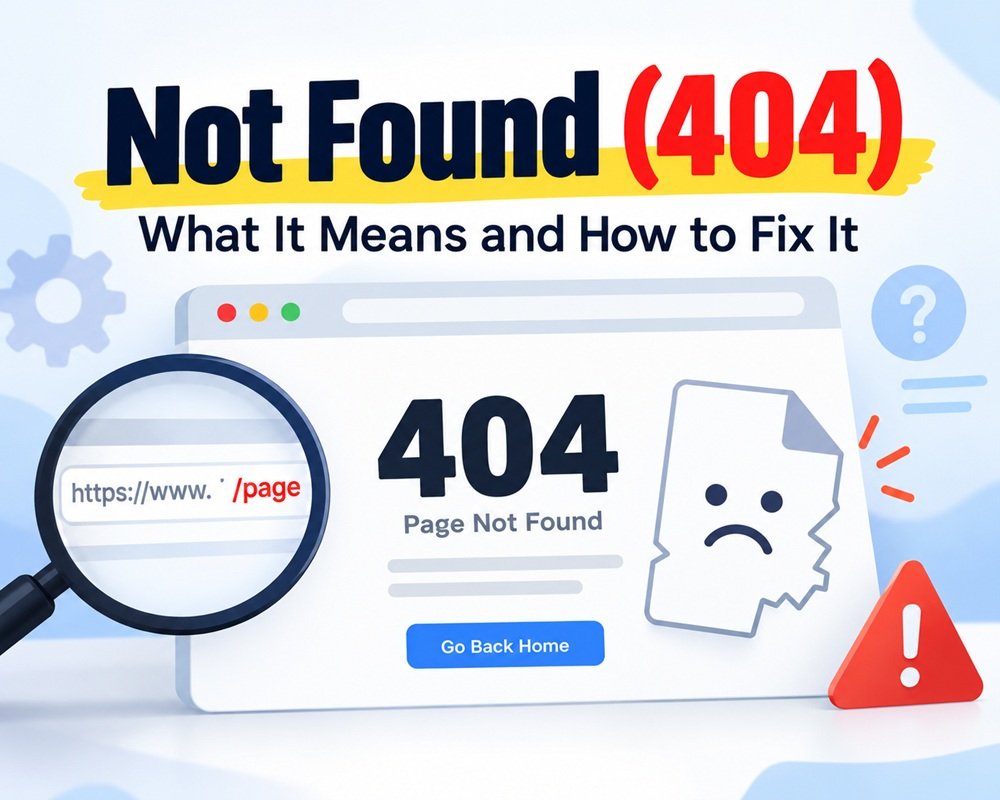
Not Found (404): What It Means and How to Fix It
If you are checking Google Search Console → Page Indexing and see “Not found (404)”, it means Google tried to access a URL on your website, but your server returned…
-
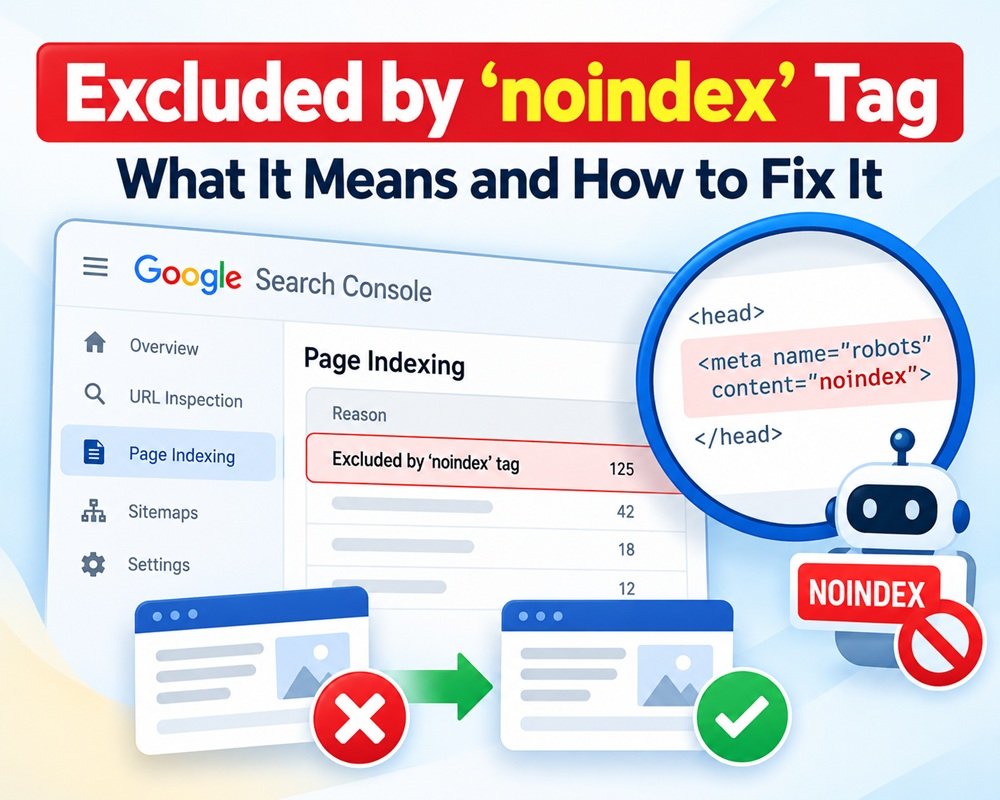
Excluded by ‘noindex’ Tag in Google Search Console: What It Means and How to Fix It
If you check the Page Indexing report in Google Search Console and see “Excluded by ‘noindex’ tag,” it means Google discovered the URL but was instructed not to index that…
-
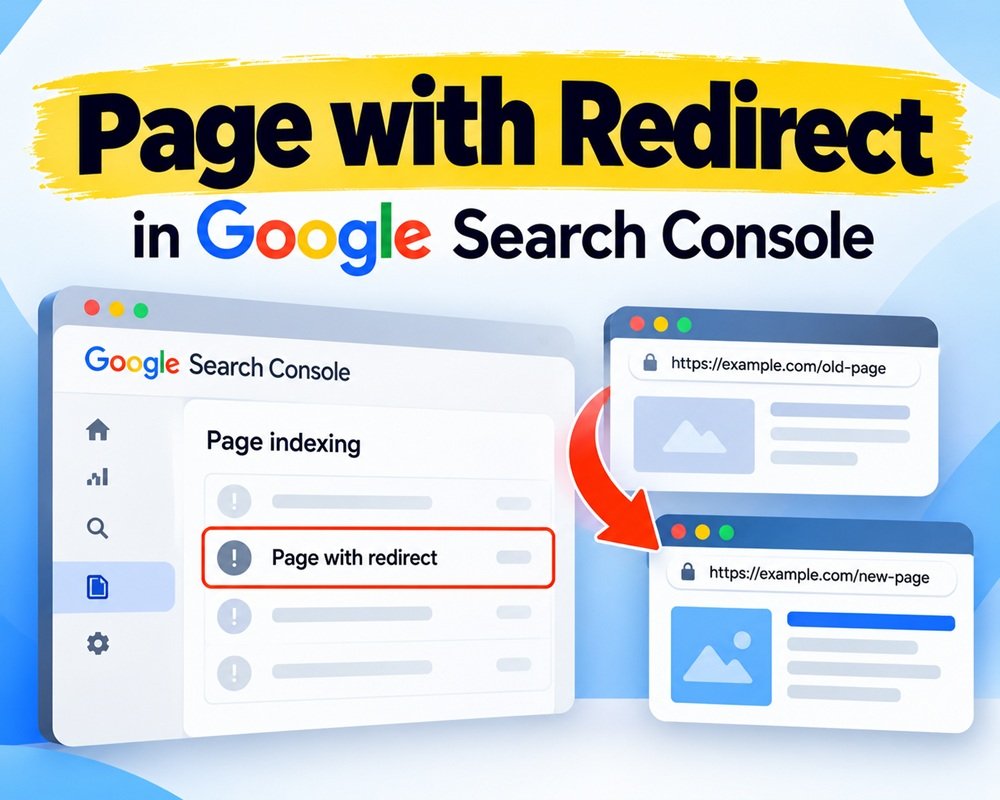
Page with Redirect in Google Search Console: What It Means and How to Fix It
If you are checking the Page Indexing report in Google Search Console and see “Page with redirect”, don’t immediately assume that something is wrong with your website. In most cases,…
-
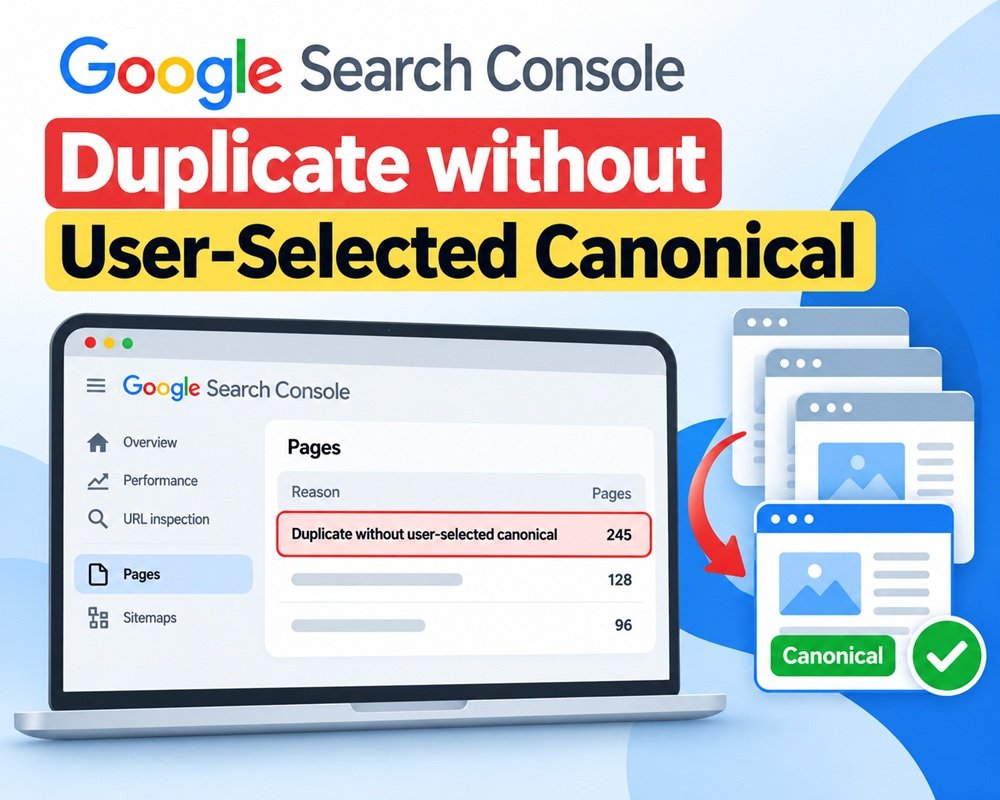
Duplicate without User-Selected Canonical: What It Means and How to Fix It
If you use Google Search Console regularly, you may have seen the status “Duplicate without user-selected canonical.” It sounds serious, but it doesn’t necessarily mean your website has a major…
-

Blocked by robots.txt: What It Means and How to Fix It
If you see “Blocked by robots.txt” in Google Search Console, it means Googlebot tried to crawl a URL but your website’s robots.txt file told it not to access that URL.…