


Facebook Ads can be a great way to reach potential customers, generate leads, promote products, and grow a business online. But simply creating an ad and adding money to it does not guarantee results.
You need the right objective, audience, creative, budget, and tracking setup.
This beginner’s guide explains how Facebook Ads work and how you can start your first campaign.
What Are Facebook Ads?
Facebook Ads are paid advertisements that businesses run through Meta’s advertising platform to reach specific audiences on Facebook and other Meta placements.
You can use Facebook advertising for different goals, including:
- Website traffic
- Lead generation
- Sales and conversions
- Brand awareness
- Engagement
- App promotion
- Messages
The important thing is to choose an advertising objective that matches what you actually want to achieve.
How Facebook Ads Work
Facebook advertising works through an auction system. Advertisers compete for opportunities to show their ads to people who are likely to take a particular action.
Your results depend on several factors, including your audience, ad creative, competition, bid strategy, and the experience you provide after someone clicks your ad.
That is why two businesses can spend the same amount but get very different results.
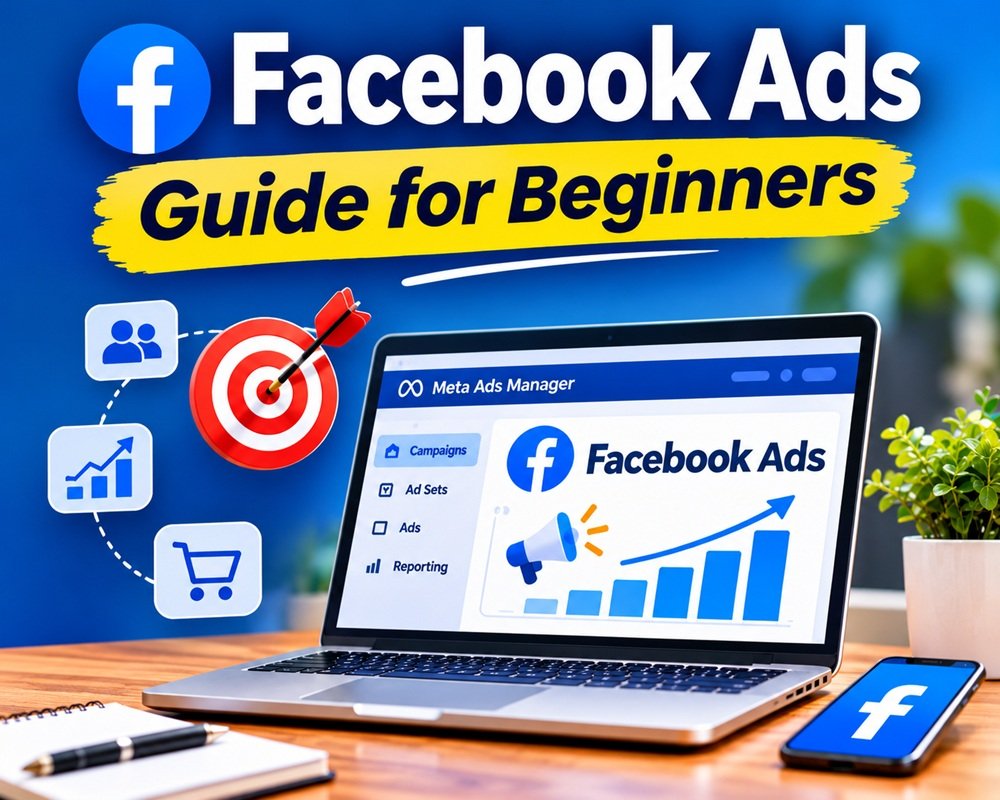
Facebook Ads Manager
To create and manage campaigns, you generally work through Meta Ads Manager.
The platform organizes advertising into three main levels:
1. Campaign
This is where you select the overall objective of your campaign.
For example:
- Sales
- Leads
- Traffic
- Engagement
- Awareness
- App promotion
2. Ad Set
The ad set controls important campaign settings such as audience, budget, placements and optimization.
3. Ad
This is what users actually see.
It can include:
- Image or video
- Primary text
- Headline
- Call-to-action button
- Website or landing page
Understanding these three levels makes Facebook Ads much easier to manage.
How to Choose the Right Audience
Audience targeting is one of the most important parts of Facebook advertising.
You can define an audience using factors such as:
- Location
- Age
- Interests
- Behaviors
- Previous website activity
- Customer data
Meta also provides Custom Audiences, which can help you reach people who have already interacted with your business. Lookalike Audiences can be used to find new people who are similar to an existing audience.
Don’t Make Your Audience Too Complicated
A common beginner mistake is adding dozens of interests and restrictions.
Instead, start with a clear understanding of your ideal customer.
For example, if you sell premium furniture in Sarasota, your audience could initially focus on people in the service area who are likely to be interested in home furnishings and interior design.
Test your assumptions instead of trying to create the “perfect” audience on day one.
Creating a Facebook Ad
A good Facebook ad normally has three basic elements:
Attention: Stop the user from scrolling.
Value: Explain why the offer matters.
Action: Tell the user what to do next.
For example:
Looking for a comfortable sofa that fits your living room perfectly? Explore our latest collection and find a style that works for your home.
Then use a clear CTA such as Shop Now, Learn More, or Get Quote.
Image vs. Video Ads
Both images and videos can work well.
Use a single image when you have a simple offer or product that can be explained quickly.
Use video when you need to demonstrate a product, explain a service, show a destination, or tell a story.
Don’t create complicated videos just because video is popular. A simple, useful video can outperform a highly polished advertisement if the message connects with the right audience.
Facebook Ad Budget for Beginners
You don’t need a huge budget to start testing Facebook Ads.
Start with an amount your business can comfortably afford to test. The goal of your first campaign should be learning what works rather than immediately trying to scale aggressively.
For example, you could start with a modest daily budget and monitor:
- Cost per result
- Click-through rate
- Cost per click
- Leads or purchases
- Conversion rate
- Return on ad spend (ROAS)
Once you identify a campaign, audience, or creative that consistently performs well, you can consider increasing the budget.
Facebook Ads Tracking
Don’t run campaigns without tracking.
For website campaigns, make sure your website analytics and Meta’s tracking tools are properly configured. Depending on your campaign, you may need to track events such as:
- Page views
- Leads
- Add to cart
- Purchases
- Registrations
Without reliable conversion data, it becomes much harder to understand whether your advertising is actually making money.
Test Your Ads
Don’t assume your first advertisement will be your best one.
Test different versions of:
- Headlines
- Images
- Videos
- Ad copy
- Offers
- Calls to action
- Landing pages
When testing, change one important variable at a time where practical. This makes it easier to understand why one version performed better.
Meta also recommends testing creative elements and evaluating performance using meaningful results rather than looking at only one metric.
Common Facebook Ads Mistakes
Beginners often make these mistakes:
1. Boosting every post
Boosting a post can be useful in some situations, but serious advertising campaigns usually need more control over objectives, audiences, optimization and measurement.
2. Targeting everyone
A larger audience isn’t automatically a better audience.
3. Changing campaigns every day
Give your campaigns enough time to generate useful data before making constant changes.
4. Focusing only on clicks
A cheap click doesn’t necessarily mean a valuable customer.
Look at the business result—leads, sales, bookings or another meaningful conversion.
5. Sending traffic to a poor landing page
Even a great Facebook ad cannot fix a confusing, slow or untrustworthy website.
How to Improve Facebook Ad Performance
If your campaign isn’t producing good results, don’t immediately increase the budget.
Check the entire customer journey:
Ad → Click → Landing Page → Action → Conversion
Ask yourself:
- Is the ad relevant to the audience?
- Is the offer clear?
- Does the landing page match the advertisement?
- Is the website easy to use on mobile?
- Is the CTA obvious?
- Are conversions being tracked correctly?
Sometimes the problem isn’t the Facebook campaign itself—it is what happens after the click.
Final Thoughts
Facebook Ads can be extremely useful for businesses of almost any size, but successful advertising isn’t about spending more money. It’s about understanding your customer, creating a relevant offer, testing your ads and measuring the results.
Start small, collect data, learn from the results and improve your campaigns step by step.
Once you understand the basics, you can move into more advanced areas such as retargeting, Custom Audiences, Lookalike Audiences, conversion optimization, creative testing and campaign scaling.
Remember: Don’t optimize your Facebook Ads just for clicks. Optimize them for the business result you actually want.
Leave a Reply