-

Common Digital Marketing Mistakes and How to Avoid Them
Digital marketing can look simple from the outside—create content, run ads, post on social media, and wait for traffic and leads. In reality, getting consistent results requires a clear strategy,…
-

Common SEO Mistakes That Can Hurt Your Website Rankings
SEO has changed a lot over the years. Techniques that worked several years ago may have little value today, while some basic SEO practices are still just as important. The…
-

Digital Marketing Guide: What It Is, How It Works, and How to Get Started
Digital marketing is no longer limited to running ads on Google or posting regularly on social media. For most businesses, it is a combination of different online channels used to…
-
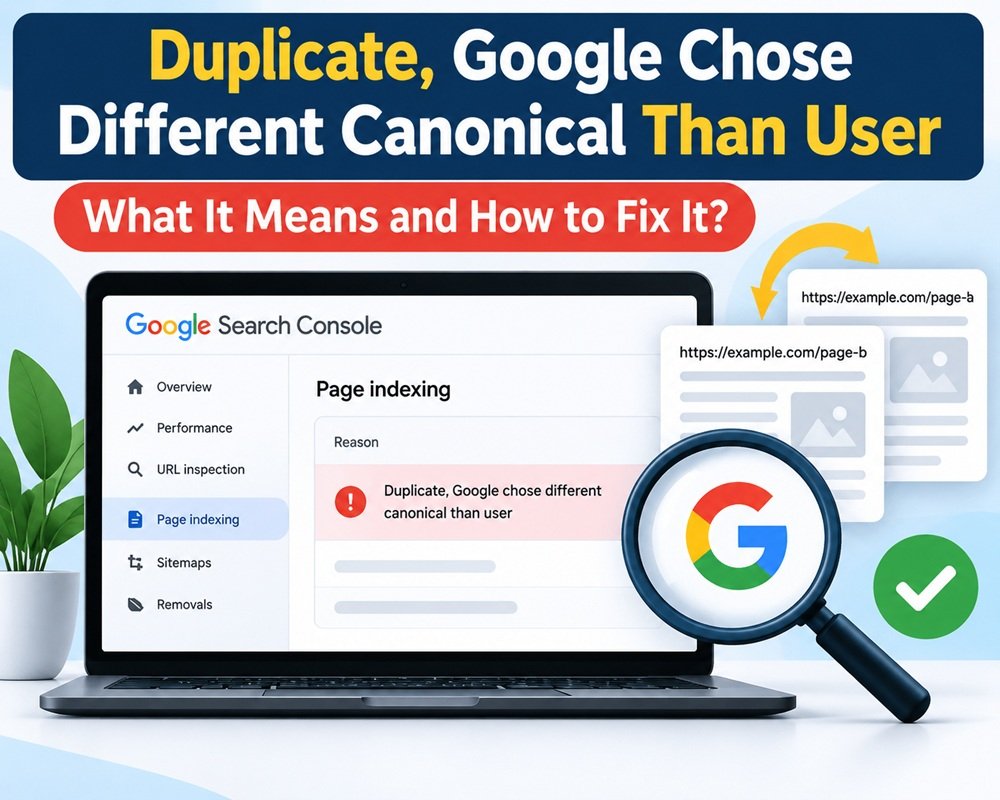
Duplicate, Google Chose Different Canonical Than User – What It Means and How to Fix It
If you use Google Search Console to monitor your website, you may come across this message: “Duplicate, Google chose different canonical than user” It appears under the Page indexing report…
-
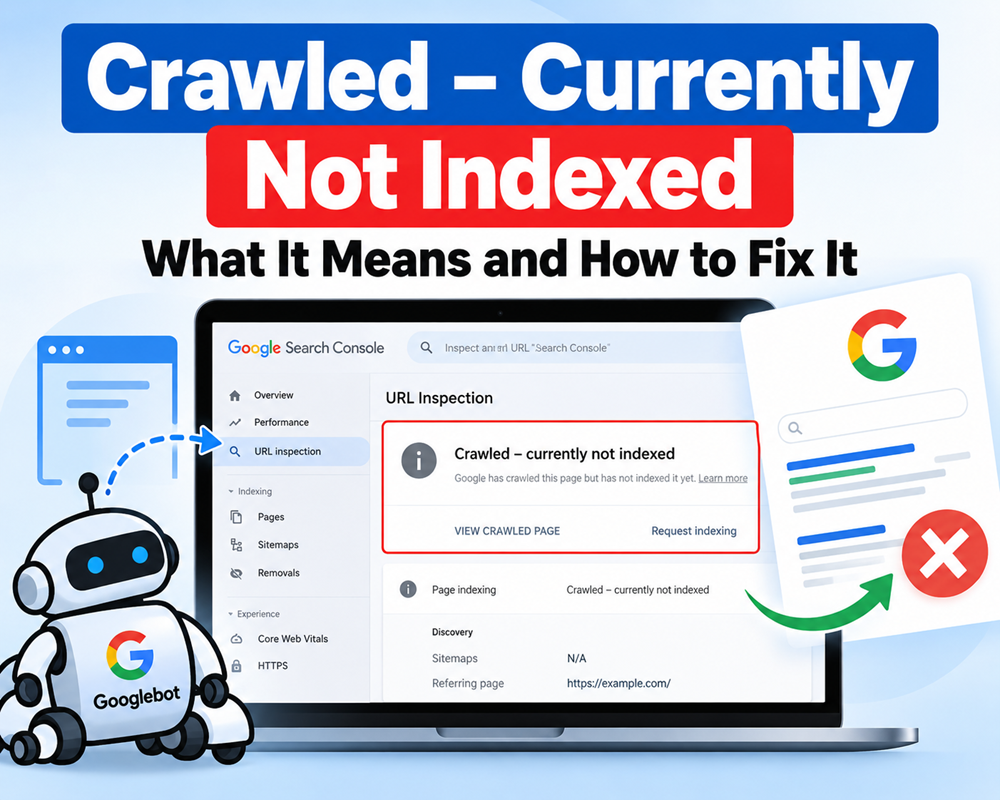
Crawled – Currently Not Indexed: What It Means and How to Fix It
If you use Google Search Console regularly, you may have seen the status “Crawled – currently not indexed.” It can be confusing because Google has already visited the page, but…
-
Alternative Page with Proper Canonical Tag: What It Means and How to Fix It
If you are checking the Page Indexing report in Google Search Console and see “Alternative page with proper canonical tag,” it can look like an SEO error. In most cases,…
-

Free High DA Social Bookmarking Sites 2026
Social bookmarking is not the SEO shortcut it used to be. However, it can still be useful for content discovery, referral traffic, brand visibility, and getting your content in front…
-

Free High DA Link Building Websites: 2026 List & Strategy
Building backlinks is still an important part of SEO, but the approach has changed. Simply submitting your website to hundreds of random directories is unlikely to produce meaningful results. A…
-
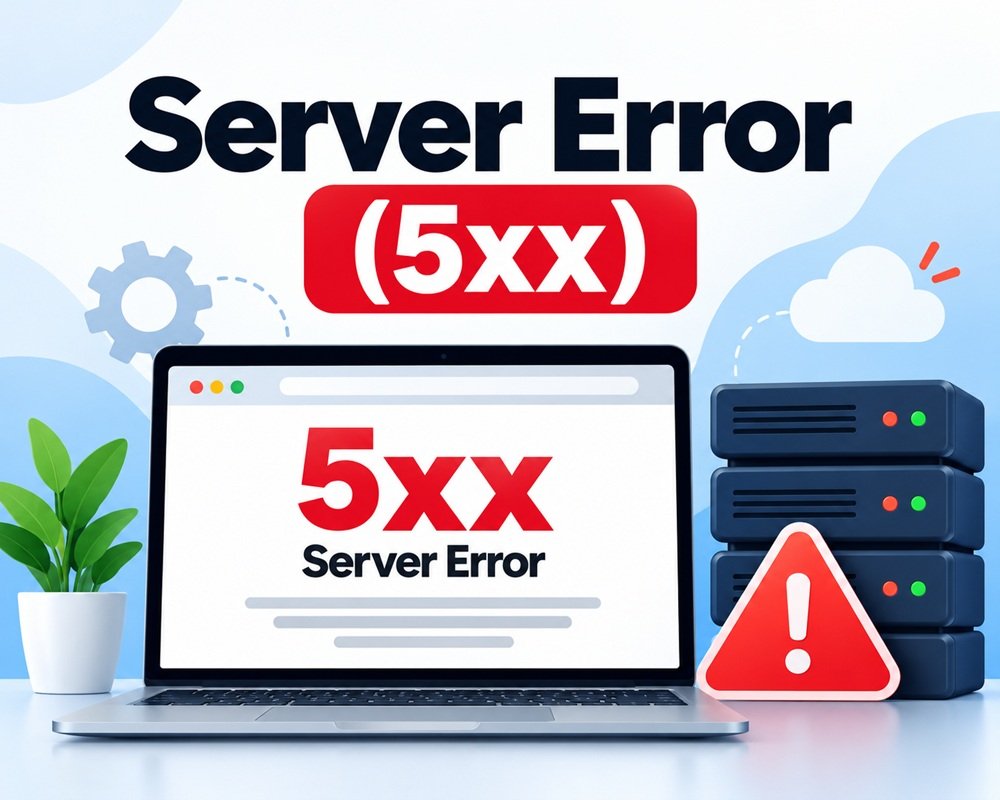
Server Error (5xx) in Google Search Console: What It Means and How to Fix It
If you see “Server error (5xx)” in Google Search Console, it means Google tried to access one or more pages on your website, but your server failed to provide the…
-
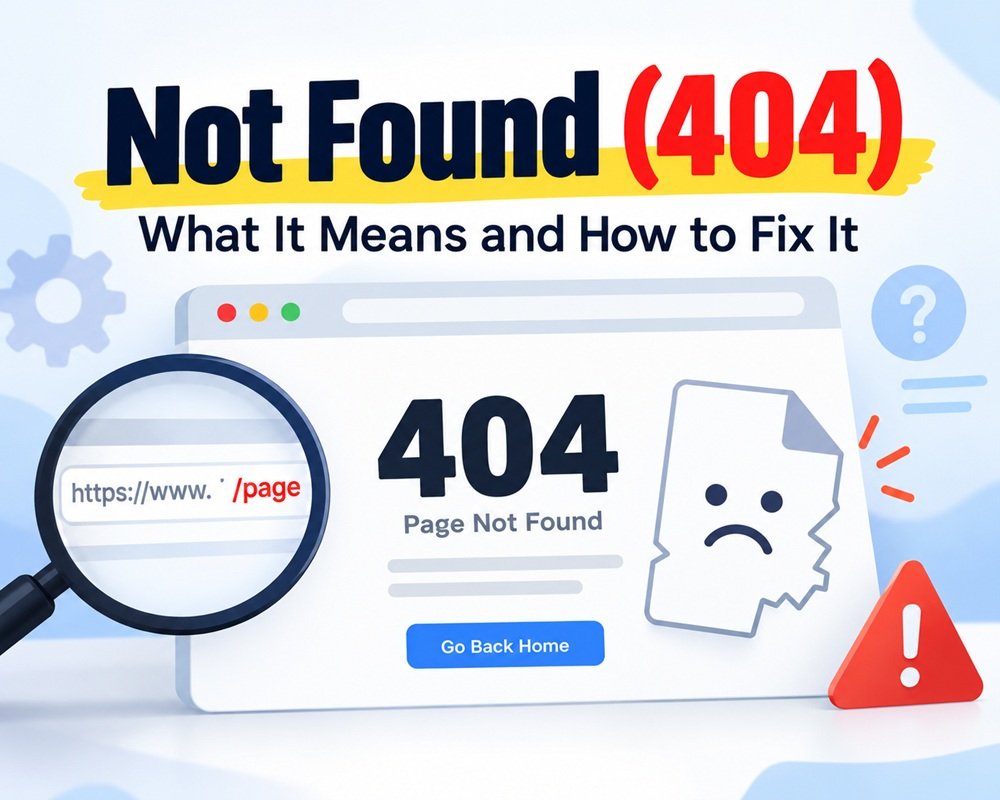
Not Found (404): What It Means and How to Fix It
If you are checking Google Search Console → Page Indexing and see “Not found (404)”, it means Google tried to access a URL on your website, but your server returned…