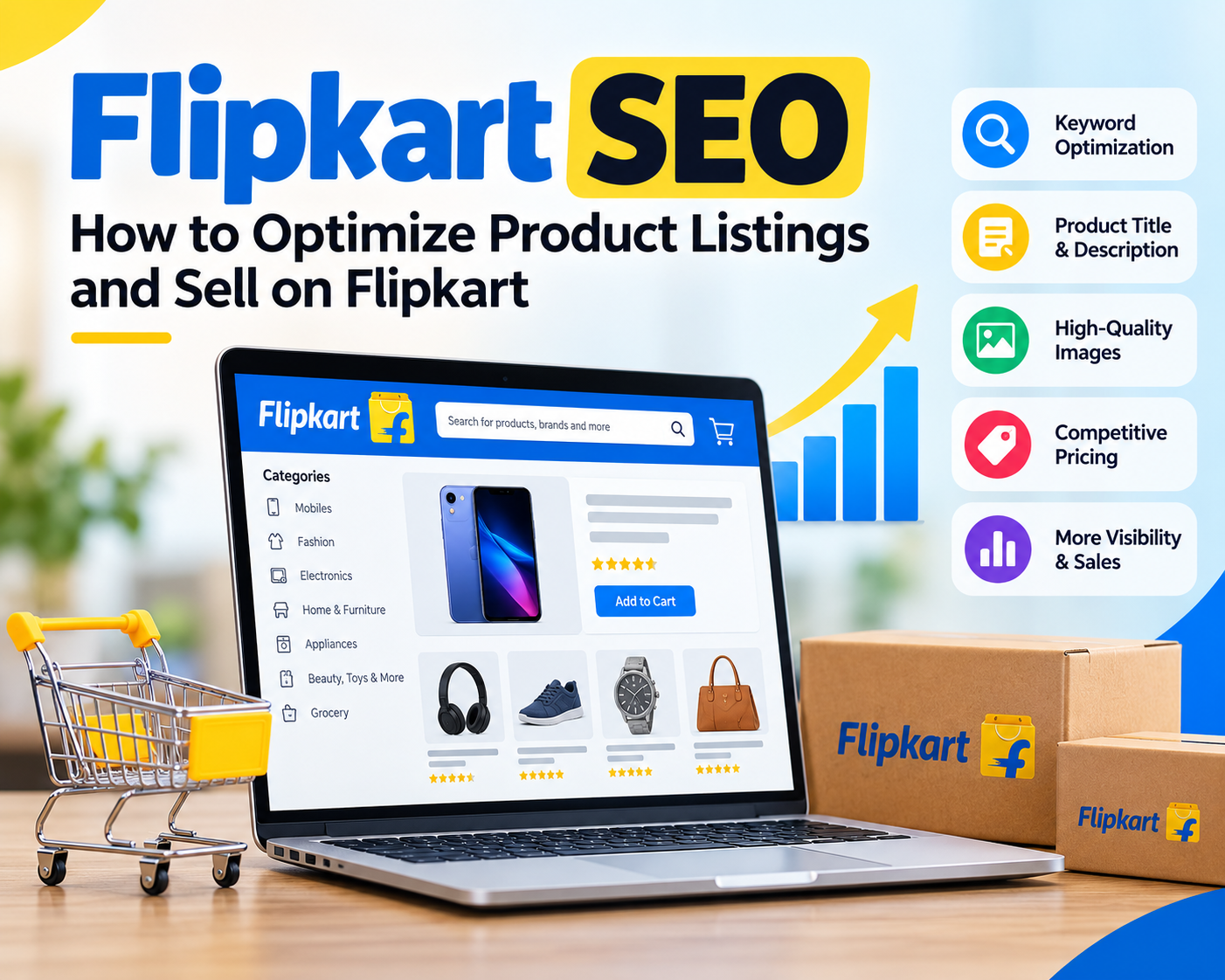



Selling on Flipkart is not simply about uploading a product and waiting for orders. With thousands of sellers competing for the same customers, your product needs to be easy to find, easy to understand, and competitive.
This is where Flipkart SEO comes in. It focuses on optimizing your product listings so they can appear for relevant searches and convert visitors into customers.
What Is Flipkart SEO?
Flipkart SEO is the process of improving your product listings to increase their visibility in Flipkart’s internal search results.
It involves optimizing:
- Product titles
- Keywords
- Product descriptions
- Key features
- Images
- Category and product attributes
- Pricing and offers
- Inventory availability
- Seller performance
- Customer reviews and ratings
Keyword stuffing alone will not make a product rank. Accurate product information, complete attributes, good images, competitive pricing and reliable fulfilment all contribute to a stronger listing.
How to Do Flipkart SEO
1. Choose the Right Product Category
Start by selecting the most relevant category for your product. The category determines many of the attributes customers use to filter products.
For example, if you sell a cotton kurta, make sure it is placed in the appropriate clothing category rather than a broader or unrelated category.
An incorrect category can affect discoverability and may also create problems during Flipkart’s listing quality checks.
2. Research Keywords
Before creating a listing, understand what customers are searching for.
Look for:
- Main product keywords
- Product type
- Brand or model
- Size or capacity
- Material
- Colour
- Important features
- Common use cases
You can study Flipkart’s search suggestions and competing product listings to understand the language customers use.
For example, instead of targeting only “water bottle”, relevant terms could include:
“1 litre water bottle”, “stainless steel water bottle”, or “insulated water bottle”, depending on the actual product.
Use only keywords that accurately describe your product.
3. Optimize the Product Title
Your title should immediately tell the customer what you are selling.
A useful structure is:
Brand + Product Type + Key Feature + Size/Capacity + Variant
For example:
ABC Stainless Steel Water Bottle, Insulated, 1 Litre, Black
Keep the title natural and avoid repeating the same keyword multiple times. Current marketplace SEO guidance also recommends prioritizing important product attributes rather than trying to fill the title with every possible keyword.
4. Complete All Relevant Attributes
This is one of the most overlooked parts of Flipkart SEO.
Fill in every relevant product attribute, such as:
- Brand
- Material
- Colour
- Size
- Weight
- Capacity
- Model
- Compatibility
- Warranty
- Pack quantity
Structured attributes help customers use filters and compare products. They also give Flipkart clearer information about what your product is.
5. Write a Useful Description
Don’t write a description just to insert keywords.
Answer the questions a potential customer is likely to have:
- What is the product?
- What problem does it solve?
- What are its main features?
- What material is it made from?
- Who can use it?
- What is included in the package?
- Are there any important usage or care instructions?
Keep the language simple and make sure the description matches the actual product.
6. Use High-Quality Product Images
Images have a direct impact on whether shoppers click and buy.
Use:
- Clear main product image
- Multiple product angles
- Close-up/detail images
- Size or dimension information where useful
- Lifestyle images where appropriate
The main image should clearly show the product and follow Flipkart’s current image requirements. Some current seller guidance recommends square, high-resolution images and a clean background. Always check the requirements shown in your Seller Hub because marketplace rules can change.
7. Keep Pricing Competitive
SEO can bring visitors to your product page, but price can strongly influence the final purchase decision.
Regularly compare your:
- Selling price
- Discounts
- Offers
- Shipping charges
- Product value
against comparable products.
Don’t automatically choose the lowest price. Instead, make sure customers can understand why your product is worth its price.
8. Maintain Good Seller Performance
Getting visibility is only part of the job.
You also need to deliver orders reliably. Pay attention to:
- On-time dispatch
- Order cancellations
- Inventory accuracy
- Returns
- Customer complaints
- Product quality
- Seller ratings
A well-optimized listing cannot compensate for consistently poor fulfilment or inaccurate product information.
How to Sell Products on Flipkart
If you want to start selling, the general process is straightforward.
Step 1: Create a Seller Account
Register through Flipkart Seller Hub and provide the business, tax, bank and other information requested for your account and product category.
The exact documentation and requirements can vary depending on your business and the products you sell.
Step 2: Add Your Products
After setting up your seller account, add your products through the Seller Hub.
Provide accurate information including:
- Product name
- Category
- Brand
- Price
- Stock
- Images
- Product attributes
- Description
- Package details
- Applicable tax/product information
For a large catalogue, use the bulk catalogue tools available in Seller Hub where appropriate.
Step 3: Submit the Listing for Quality Checks
Flipkart reviews product catalogues for quality and compliance. Incorrect images, incomplete information, incorrect attributes or other listing issues can cause problems.
Check the listing carefully before publishing.
Step 4: Manage Inventory and Orders
Once your products are live, keep stock information updated.
When an order arrives:
- Confirm the order.
- Prepare and pack the product correctly.
- Generate the required shipping documentation.
- Dispatch within the applicable timeline.
- Track the order and handle customer issues.
Step 5: Monitor Performance
Don’t stop after publishing your products.
Track which products receive:
- Impressions
- Clicks
- Orders
- Returns
- Reviews
- Cancellations
If a product receives impressions but few clicks, review the title, main image and price.
If it gets clicks but few orders, examine the description, images, reviews, price and product information.
Common Flipkart SEO Mistakes
Avoid these mistakes:
- Keyword stuffing
- Using misleading product titles
- Leaving important attributes blank
- Uploading poor-quality images
- Choosing the wrong category
- Copying competitor descriptions
- Using inaccurate specifications
- Keeping products out of stock
- Ignoring customer reviews
- Failing to monitor returns and cancellations
Final Thoughts
Flipkart SEO is not about adding as many keywords as possible. It is about giving Flipkart and its customers clear, accurate and complete product information.
Start with the right category and keyword research. Then optimize your title, attributes, images and description. Combine that with competitive pricing, adequate inventory and reliable fulfilment.
The goal is simple: get the right product in front of the right customer and make it easy for them to buy.


Leave a Reply